


Cyber attacks are becoming more advanced and easier to launch. Read about how cyber criminals are becoming more sophisticated and what Quicksmart can do to help.
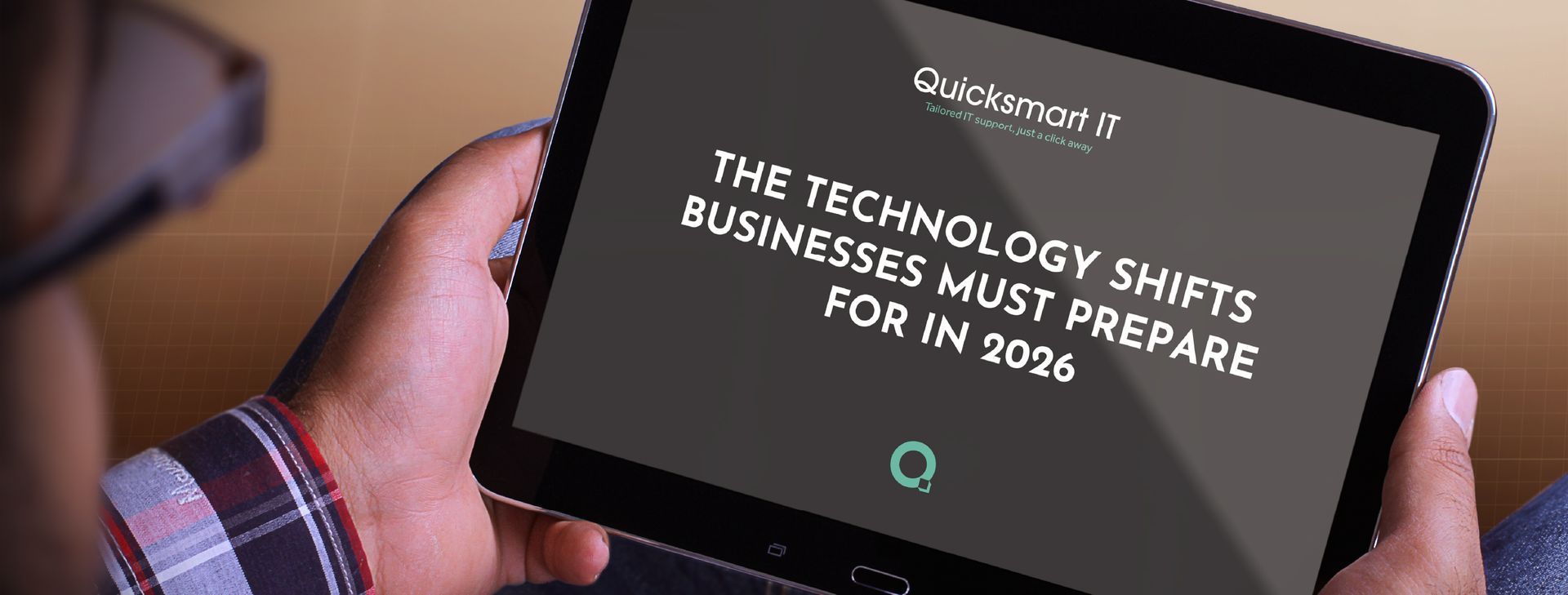
Technology in 2026 is no longer about adding new tools, it’s about how intelligently those tools work together. Businesses are facing a year where automation, security, data and infrastructure decisions will directly affect competitiveness, compliance and long-term growth. At Quicksmart IT, we work closely with organisations across the UK to help them stay ahead of change, not chase it. These are the key technology shifts we believe will define the year ahead, and what they really mean in practice. 1. AI Is Becoming Operational, Not Experimental Artificial intelligence is moving out of the testing phase. In 2026, we’re seeing AI systems take on structured tasks such as reporting, workflow handling, analysis and internal support functions. For businesses, this isn’t about replacing people, it’s about removing bottlenecks, reducing manual workload and improving consistency across operations. The companies benefiting most are those integrating AI into their IT strategy responsibly, with security and governance built in from day one. 2. Cybersecurity Is Now Continuous, Not Reactive Cyber threats no longer arrive in neat, predictable patterns. Attacks are faster, more automated and increasingly targeted. As a result, cybersecurity is shifting toward continuous monitoring, behaviour-based detection and automated response. Waiting for alerts or relying on reactive fixes simply isn’t enough anymore. In 2026, strong cyber resilience means systems that actively watch, learn and respond, around the clock. 3. Data Quality Matters More Than Data Volume Most organisations already collect huge amounts of data. The challenge now is accuracy, structure and trust. Poor data quality leads to poor decisions, especially when AI tools depend on that data to function effectively. Businesses that invest in data governance, access control and visibility are the ones able to gain real insight rather than digital noise. 4. Supplier and Third-Party Risk Is Under the Spotlight Security no longer stops at your own network. From software providers to cloud platforms and outsourced services, third-party risk has become a major focus for regulators and insurers alike. Understanding who connects to your systems, what access they have, and how that risk is managed is now a core part of IT responsibility, not an optional extra. 5. IT Is Connecting More Directly to Operations Across sectors such as manufacturing, logistics and infrastructure, operational systems are increasingly linked to core IT networks. This convergence brings powerful benefits, real-time visibility, predictive maintenance and smarter decision-making, but also requires tighter security and stronger network design. When done properly, it turns technology into a genuine operational advantage. 6. Businesses Want More Control Over Their Technology Rather than outsourcing everything, many organisations are now using smarter systems and automation to bring knowledge back in-house. This doesn’t remove the need for IT support, it changes it. The role of a modern IT partner is to design, secure and support these systems so businesses stay in control without increasing risk or complexity. 7. Customer Experience Is Being Driven by Smarter Systems Technology in 2026 is playing a bigger role in how customers interact with businesses. From CRM platforms to communication tools, systems are becoming more responsive and more personalised, adapting to behaviour rather than following rigid processes. When implemented correctly, this improves engagement while reducing internal admin and duplication. 8. Hybrid Working Technology Has Finally Matured With traditional phone systems fully phased out, cloud communications and collaboration platforms are now central to day-to-day operations. The focus has shifted from simply enabling remote work to making it secure, seamless and consistent, whether staff are in the office, at home or on the move. What This Means for Businesses in 2026 The biggest risk this year isn’t falling behind on technology, it’s adopting it without a plan. Success in 2026 will come from: • Proactive IT strategy • Strong cybersecurity foundations • Clear governance around data and access • Technology that supports growth, not complexity At Quicksmart IT, we help organisations cut through the noise and build IT environments that are secure, scalable and ready for what’s next. If you want your technology working for your business, not constantly catching up, now is the time to plan ahead and chat with our team at Quicksmart

Quicksmart talk to you about cyber security during the holidays, with practical tips and preventative measures you can use for your business.